Cabling Process of Computer Room Cable Management Frame
Effective computer room cable management involves structured planning, proper routing, labeling, and the use of cable management accessories to ensure organized, safe, and scalable network infrastructure.
Step 1: Assess and Plan the Layout
Begin by mapping out the server room or data center, including the location of racks, switches, patch panels, and other equipment. Identify cable pathways, power sources, and airflow requirements. Planning ensures that cables are routed efficiently, avoids congestion, and supports future expansion ( ). Consider separating power and data cables to prevent electromagnetic interference (EMI) and signal degradation ( ).
Step 2: Select Appropriate Cable Management Accessories
Use horizontal and vertical cable managers, D-rings, brush panels, cable trays, and ladder racks to secure and guide cables. Rack shelves or equipment trays provide stable platforms for non-rackmount devices, maintaining order and flexibility ( ). Choose accessories that allow easy adjustments and prevent pinching or damage to cables.
Step 3: Standardize Cable Lengths and Types
Use consistent cable lengths to reduce slack and clutter. Identify different cable types (e.g., Cat6A, fiber optic, crossover cables) and assign color codes or labels for easy recognition. This helps technicians trace connections quickly and reduces troubleshooting time ( ).
Step 4: Route and Bundle Cables
Route cables along predefined pathways, keeping data and power lines separate. When crossing is unavoidable, do so perpendicularly to minimize interference. Bundle cables using Velcro straps or hook-and-loop ties rather than plastic ties to prevent overtightening and allow future adjustments ( ). Maintain proper airflow by avoiding obstruction of hot and cold air paths in racks ( ).
Step 5: Label and Document Connections
Label both ends of each cable with identifiers indicating source and destination. Maintain a comprehensive inventory of all devices, cable types, and endpoints. Documentation ensures compliance with standards like TIA-942 or ISO/IEC 11801 and simplifies maintenance, audits, and upgrades ( ).
Step 6: Test and Maintain
After installation, test all connections to verify signal integrity and network performance. Schedule regular inspections to ensure cables remain organized, labels are legible, and airflow is unobstructed. Proper maintenance prevents downtime and extends equipment life ( ).
Key Benefits
- Reduced downtime and faster troubleshooting ( )
- Improved airflow and energy efficiency ( )
- Enhanced scalability for future network growth ( )
- Compliance with safety and operational standards ( )
By following these steps, a computer room or data center can achieve a clean, professional, and efficient cabling system that supports reliable network performance and simplifies ongoing maintenance.
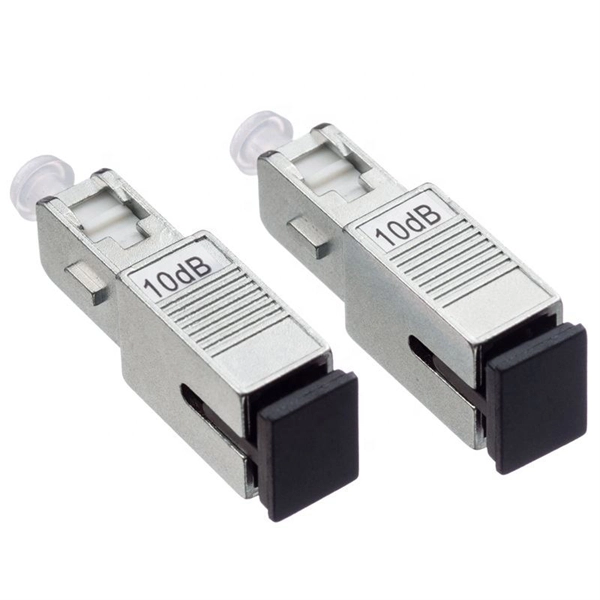 Factory
 Server Room Cable Management Best Practices
The investment in proper cable management pays dividends through reduced troubleshooting time, improved system reliability, and
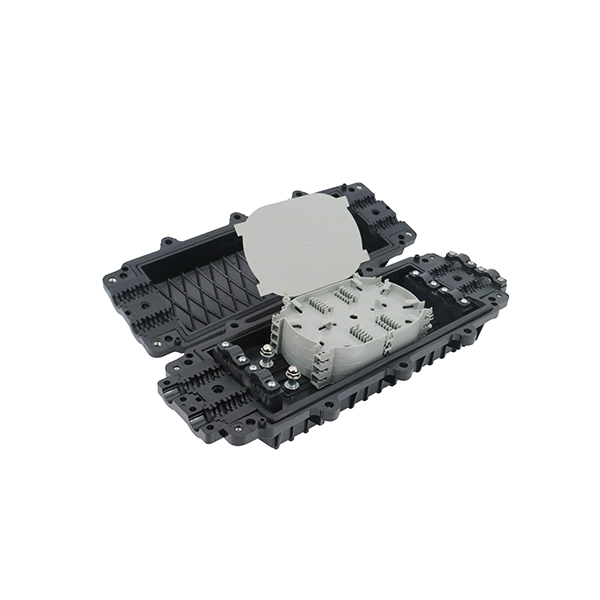 Factory
 Cable Management Standard Procedure for Server Rooms
These cable management diagrams are a reference to how cables will be sorted and organized in server racks. By following proper
 Factory
 The Most Detailed Data Center Cabling Method
Bundle all power cables of the devices together and insert their plugs through the cable access hole at the rear, then route them to
 Factory
 Complete Server Rack Cabling Guide: How to Keep Your Network
Learn the complete server rack cabling process with LINKOMM''s professional tools — from patch panels to cable organizers, build a
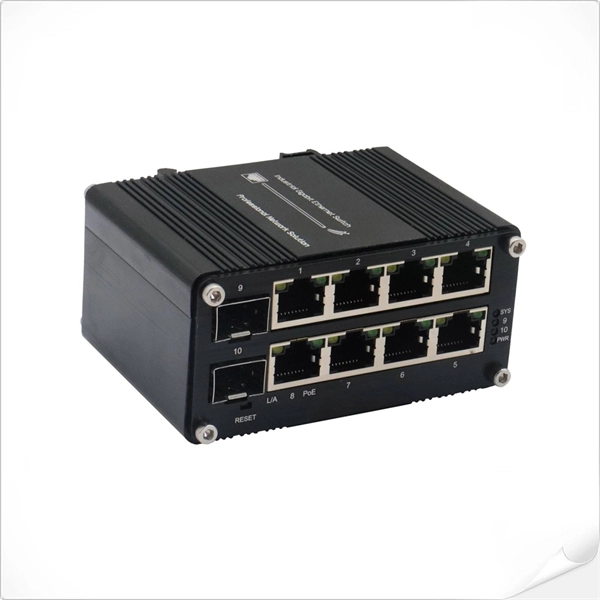 Factory
 Guide to Computer Cable Management
Common cable management techniques are cable shortening, lengthening, color changing, and sleeving. [unfortunately I cannot
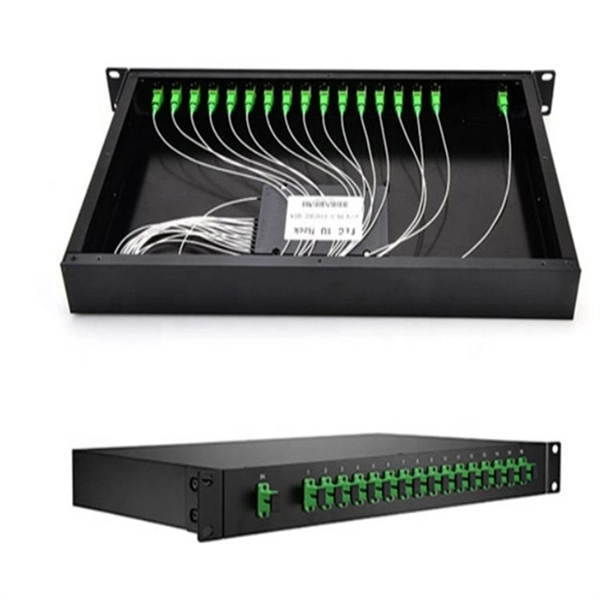 Factory
 Server Rack Cable Management: Best Practices and Comprehensive
Master server rack cable management with best practices for organizing power and network cabling using vertical/horizontal
 Factory
 Essential Tips for Network Cable Management in Telecom Rooms
Efficient and organized network cable management in telecom rooms is critical, as disordered cables not only appear chaotic but can
 Factory
 APPLYING PROPER CABLE MANAGEMENT IN IT RACKS
Why Proper Cable Management Is So Important Your rack cabling systems are the lifelines of your IT operations. These cables